Download Assessment Information
You have three options to download Assessment information:
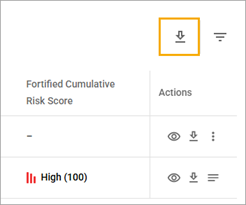
- Download information about all assessments from the table by selecting the Download icon in the upper-right corner of the table with a list of assessments.
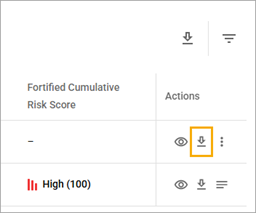
- Download information about a particular assessment by selecting the Download icon in the Actions column of the table with the list of assessments.
- Download information about only selected assessments.
To download information about only selected assessments
- In the Assessments table, select the checkboxes near the needed items.
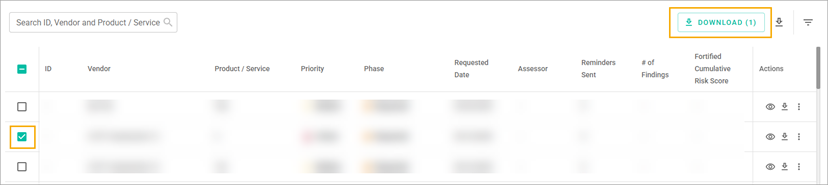
- Select the Download Selected button.
- In the Information pop-up window, select the Download button.
Related Topics
Filter the List of Assessments