Filter the List of Assessments
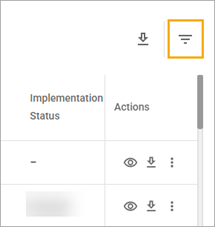
With filtering, you can customize the list of assessments according to the selected criteria. The Filter icon is located above the upper-right corner of the List of Assessments table.
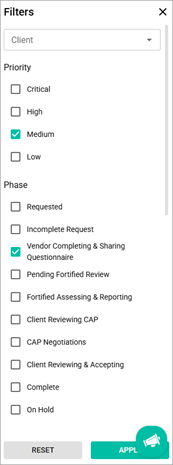
After the Filter icon is selected, the Filters pop-up window appears.
Assessments list can be filtered by the following criteria:
- Priority
- Phase
- Request Date Range
- Number of Reminders Sent
To filter the list of assessments
- Select the Filter icon.
- In the Filters pop-up window, select the checkboxes next to the needed options. You can select several filters at a time.
- Select the Apply button.
- To clear all filters, select the Clear Filters button that is now located next to the Search field.
Related Topics