Edit Assessment Request
You can edit the assessment request if it is in the Requested or Incomplete Request phase.
To edit the Assessment Request:
- Choose the request you want to edit and select the Edit button next to it or select the Edit Request button from the detailed view of the request.
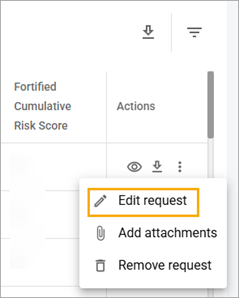
- Make all the necessary changes.
- Select the Save button.
Related Topics