Request New Assessment
On the TPRA tab, you can request a new assessment.
To request a new assessment
- In the upper-right corner of the TPRA tab, select the Request New Assessment button (available for users with TPRM Requestor role).
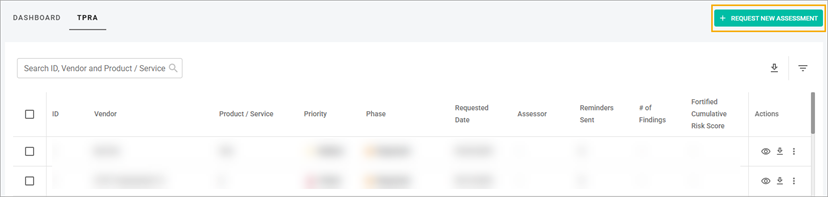
- Note: This button is visible but disabled if the assessor has not configured the client’s number of assessments or the client has used all contracted assessments for the current period.
- On the New Assessment page, fill in all the mandatory fields.
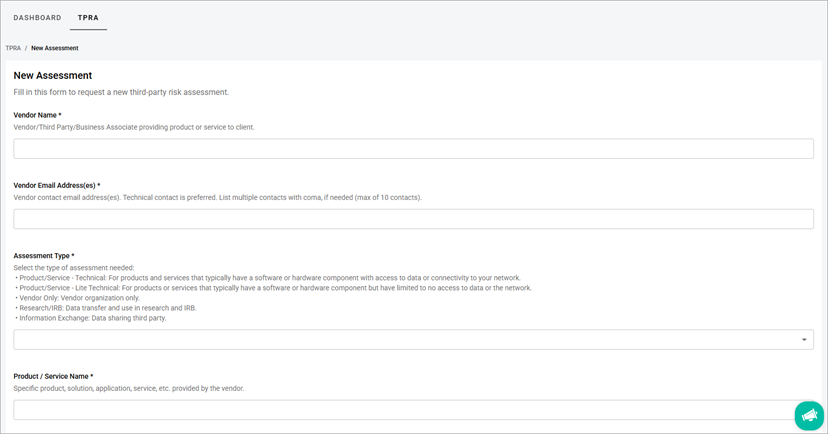
- Fill in the optional fields, based on the client’s setup.
- Note: If an additional field was marked as mandatory, it appears within the Mandatory Fields section.
- Select the Submit button.
Related Topics